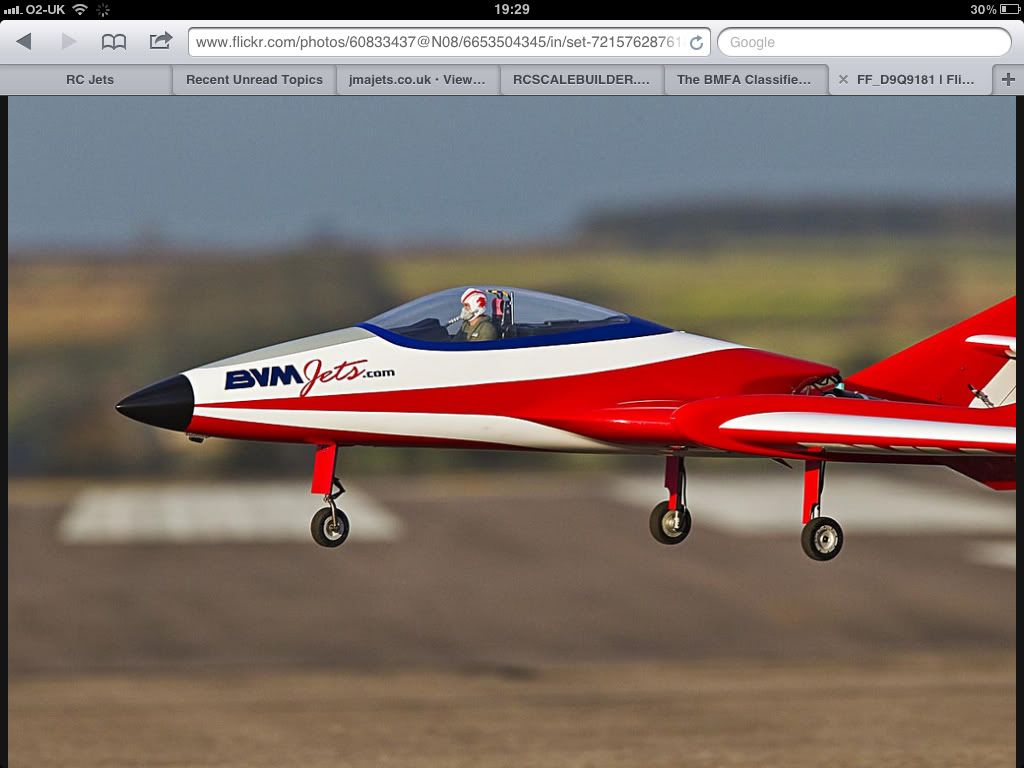
Hi John
When you have uploaded you photos to photobucket you can place them in an album. When viewing the page of photos if you hover over the photo you want a link for, a box pops up with the image codes. Click on the one that says "IMG code" and that copies the link. Then you come back to rcu and below the text you have entered just right click and press "paste" (or press Ctrl + V) and that pastes the link to your photo onto the post. The bottom link is meant to post a thumbnail (small picture) that you can click on to show full size, but that isn't working at the minute. I've posted the former method below so you can see what i mean. The code would look like this but with [IMG] at either end
http://i901.photobucket.com/albums/a...h_0469398f.jpg
regards
Duncan