Cruiser133, agree with your comment, for sure.
Enjoy in every possible way building the Tamiya f/o rc tanks; collaborating on Tamiya static to f/o conversions and kit bash'in HL tanks into Hybrids using a Tamiya Battle Unit DMD MFU electronics package. Perhaps, one needs to be a "master doofus" (not directed at Joe) to kill a Tamiya DMD and or MFU, though it is certainly easy to kill the flashing MG or main gun flash unit using a variety of plug and play mistakes.
I have built a bunch of Tamiya rc tanks and still trying to figure out how to "fry" the DMD and MF units, it has NOT happened (yet). They are bullet proof in my mitts.
The alternative electronic systems are great fun for the modeller who enjoys computer programing their RTR model, which is not an interest. Worked with the Clark and IBU2 systems, neither are optimized for IR play and that is my usual primary build goal: IR play not sound effects. Though, for a non-IR model build, such as a Tamiya Gepard Flakpanzer rc converstion, the alternative systems work OK.
While they sound pretty good in a demonstration video, I discovered operationally the Clark and the IBU2 boards seem feeble electronic assemblies and kinda of delicate to setup and work with. Neither characteristic works that well for rough and tumble outdoor IR play, I would hazard to guess.
Plus, the Clark stick command nightmare complexity will get you backyard killed off in short order, specially against those fast and agile Tamiya rc tank commanding grade school kids. And 30 pdf pages of IBU2 setup is possibly only a joy for that committed computer science guy or gurl:
The IBU2 way:
http://www.ibu-electronics.com/doc/IBU2_manual_V5_0.pdf
The Clark way:
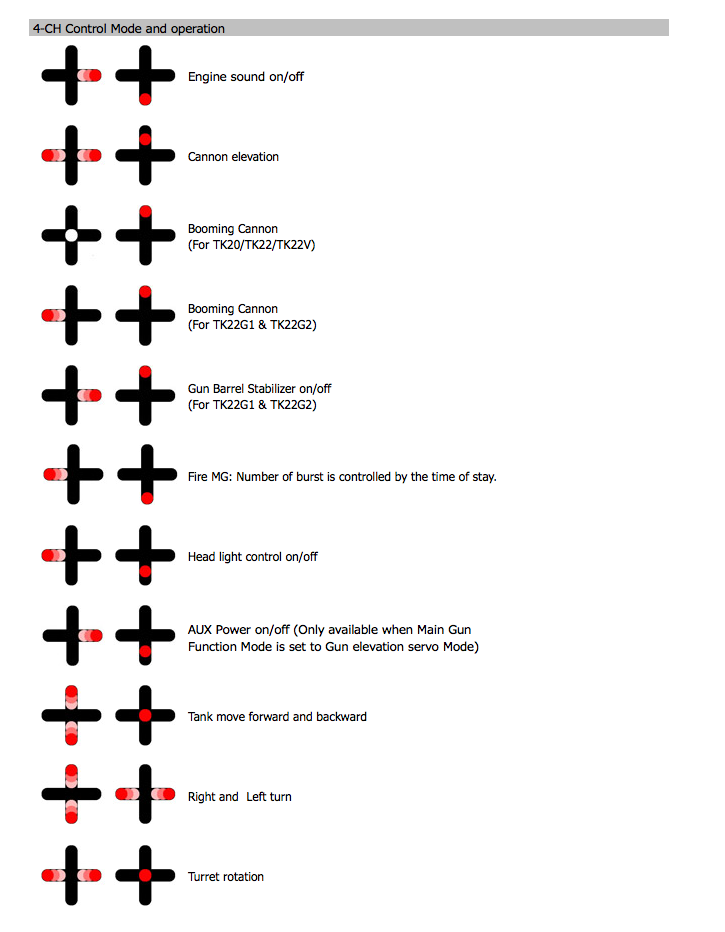
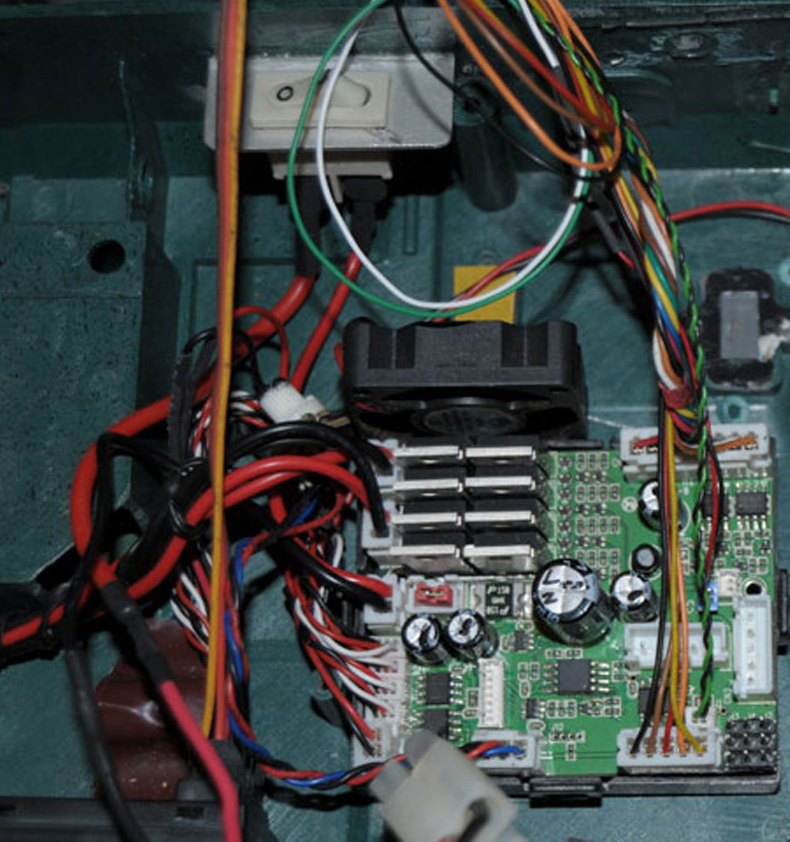
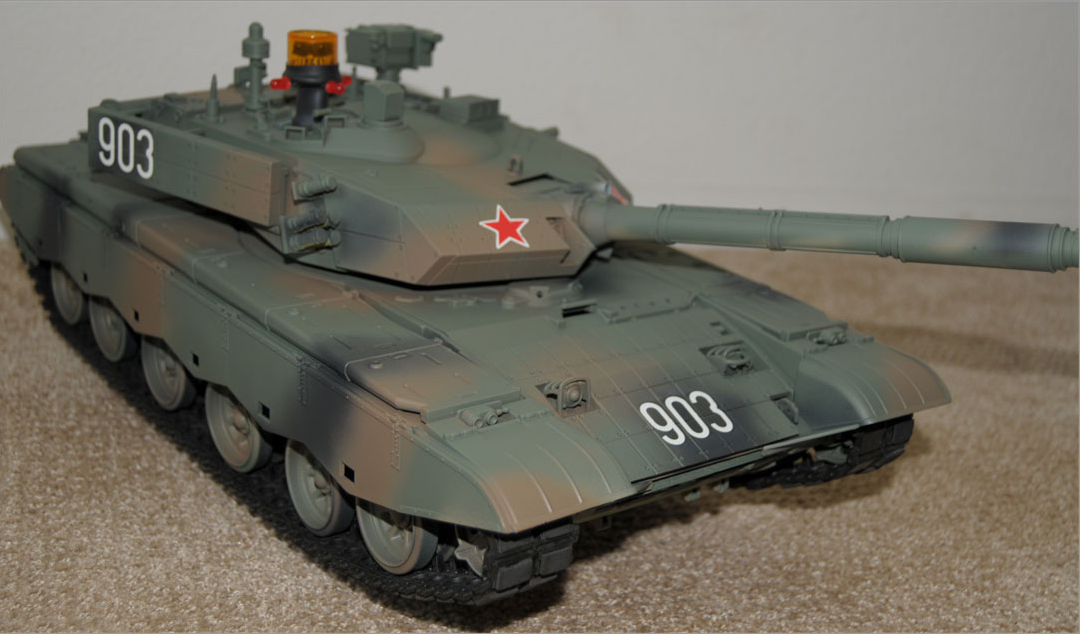
The Tamiya way:
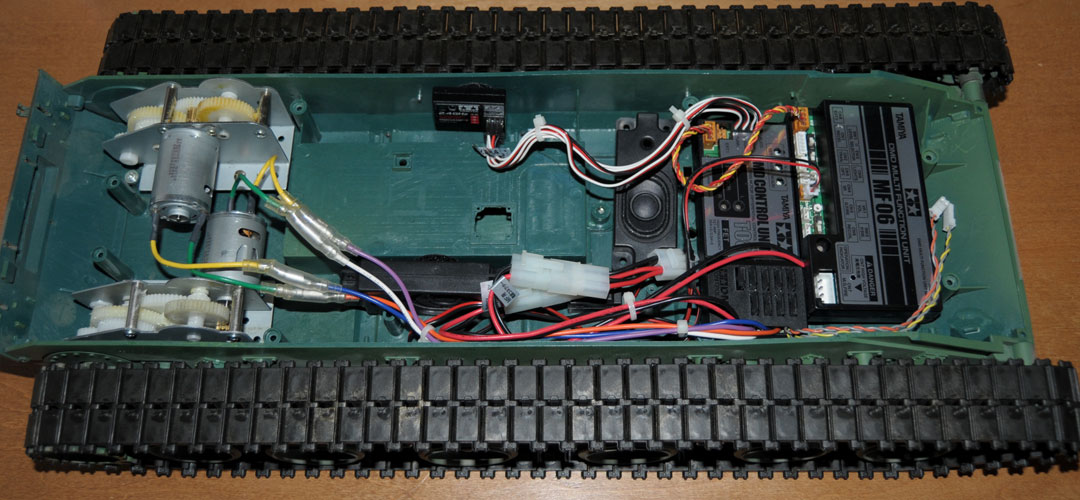

Bye, John