


Unilight problem
 03-30-2018 | 06:47 PM
#1
Thread Starter

 Unilight problem
Hi guy’s
i have a 8ch unilight pro version...and is not working perfectly.
i program on my pc ...save on unilight with save current data button ( 3 timesto make sure) and working.
after modification on my pc , i save data with same button and when i press play to see my modification, the screen on pc return with my last save... the unilight not accept my modification?
on the status bar ( bottom pc screen) is write send to tx eesave successful all data has been stored...?
i run windows 10 ....usb problem?
any help appreciate.
David
i have a 8ch unilight pro version...and is not working perfectly.
i program on my pc ...save on unilight with save current data button ( 3 timesto make sure) and working.
after modification on my pc , i save data with same button and when i press play to see my modification, the screen on pc return with my last save... the unilight not accept my modification?
on the status bar ( bottom pc screen) is write send to tx eesave successful all data has been stored...?
i run windows 10 ....usb problem?
any help appreciate.
David
 03-30-2018 | 07:11 PM
#2

My Feedback: (11)
I also found the Unilight software a little glitchy and the instructions are HORRIBLE. But they work! LOL
I had something funny happen where it wouldn't copy and then everything got erased. I was lucky because I made a copy so I was able to easily load the sequence I wanted.
What I did was reset the unilight to factory settings and loaded my copy. So, try that.
Good luck!
I had something funny happen where it wouldn't copy and then everything got erased. I was lucky because I made a copy so I was able to easily load the sequence I wanted.
What I did was reset the unilight to factory settings and loaded my copy. So, try that.
Good luck!
03-31-2018 | 12:50 AM
#3
Joined: Dec 2004
Posts: 124
Likes: 0
Received 0 Likes
on
0 Posts
From: Harpenden, UNITED KINGDOM
I have also found the programming not as intuitive as claimed, but I found that by running the new set-up as a live test to start with and then saving to the controller seemed to work. That was also using Windows 10
05-25-2018 | 09:39 AM
#5
My Feedback: (1)
Joined: Sep 2005
Posts: 19
Likes: 0
Received 0 Likes
on
0 Posts
From: Stone Mountain, GA
Spent an awful lot of money for these lights. The software is horrible. Maybe it is better in German? The controller software is unusable and tech support is non-existent. Email to them yields a recommendation that I watch the mute video on YouTube.
Somebody has GOT to do this better? Anybody have a great alternative to unilights?
Somebody has GOT to do this better? Anybody have a great alternative to unilights?
05-25-2018 | 09:56 AM
#6

If you guys ever need an alternative, you might think about BrainCube lights, I’m the US distributor, BrainCube is in the UK and Vario helicopters is picking the rest of Europe. The controller is simple to program and has just about all flashes you would need stored in it. Just a thought
05-25-2018 | 10:12 AM
#7
My Feedback: (1)
Joined: Sep 2005
Posts: 19
Likes: 0
Received 0 Likes
on
0 Posts
From: Stone Mountain, GA
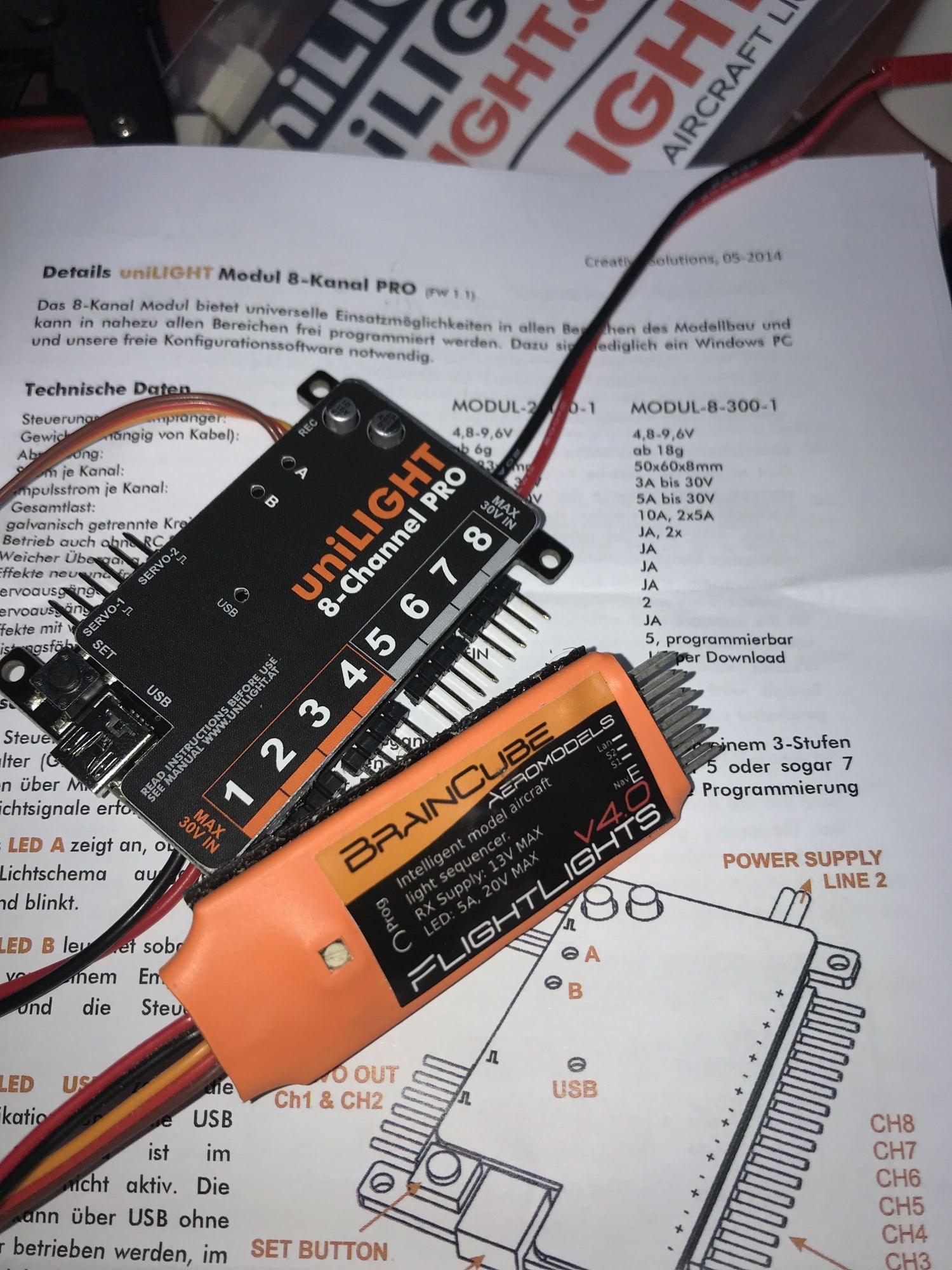
With all due respect... BTDT.
If Unilight would just find a native english speaker to edit their manuals and provide actual instructions in English that would be a great start.
My controller doesn't light the USB indicator. The USB port works just fine with the Castle Creations programmer so I have confidence that it isn't my computer.
Beyond frustrating....
05-26-2018 | 05:02 AM
#9
Sailor05, I am a Unilight dealer so am obviously biased but Ulrich usually responds very quickly to emails and his English is good.
What is the specific issue you are having? Has the controller ever worked on your computer? If there is no USB light it sounds more like a PC connectivity problem rather than a controller issue.
What is the specific issue you are having? Has the controller ever worked on your computer? If there is no USB light it sounds more like a PC connectivity problem rather than a controller issue.
08-01-2019 | 05:50 PM
#10

Joined: Jul 2007
Posts: 619
Likes: 0
Received 0 Likes
on
0 Posts
From: Frederick, MD
I just got the 8 channel Pro and I'm having problems setting the unit to power on to a particular sequence of choice. Can someone from Unilight or a dealer give us simple yet detailed instructions on how to achieve this?
04-13-2025 | 02:11 AM
#11
Hi! Sorry for bringing this topic up again. However, I have problems configuring the UNILIGHT 8CHANNEL PRO (the older version). I am running Windows 7 in order to avoid any issues with the more recent versions of Windows. The program I have is in German with German text showing. Anybody has an English version? I wonder if there is somebody here who successfully programmed this unit. Instructions are not that good as there are no step by step instructions that exist. Now that this Unit has been superseded by a new controller there seems to be very little appetite in providing additional information on this set-up. Currently, I am running Futaba MZ-18 and the 7008SB receiver. Moreover, what I also wish to ask is where would one insert the 8 Channel Controller's JR lead in the 7008 receiver? Should it be placed in the servo slots of the receiver or in the USB port?
Another question that I wish to ask is that of the thermal fuses. I will be running the unit with 2 x Lithium-iron batteries (7.4v). The highest LED light wattage will be a 2 landing lights of around 8W each. Would I need to make a thermal fuse on all the wires to these landing lights and also on every other flashers and beacon units??
Although this has now been 7 years since the last thread I would be very happy if someone would be able to help me configure this unit. Any help will be greatly appreciate.
With thanks
Reuben
Another question that I wish to ask is that of the thermal fuses. I will be running the unit with 2 x Lithium-iron batteries (7.4v). The highest LED light wattage will be a 2 landing lights of around 8W each. Would I need to make a thermal fuse on all the wires to these landing lights and also on every other flashers and beacon units??
Although this has now been 7 years since the last thread I would be very happy if someone would be able to help me configure this unit. Any help will be greatly appreciate.
With thanks
Reuben
Last edited by F86_SABRE; 04-13-2025 at 02:31 AM.
04-14-2025 | 11:48 AM
#13
Can I ask you whether your English software still available? The one I downloaded was German and there is no English version. There is also no possibility to change language through the downloaded software. Thanks for your reply.
Reuben
Reuben
04-16-2025 | 09:15 AM
#14
Is there anybody who could send me the English version of the installation program as the one downloadable on Unilight website is only in German and there is no choice available of another language.
Any help will be appreciated not even from the program itself!
Thanks
Reuben
Any help will be appreciated not even from the program itself!
Thanks
Reuben
04-16-2025 | 11:22 AM
#16
Yes they have new program called DESK. I am using the previous software as DESK is for the new program. The odd thing is that Unilight sent me what was supposed to have been an English version of the old software but when I try to open the exe file I am getting a Windows compatibility error message. I am running Windows 7 for this purpose as I did not want to use the latest Windows versions as I knew there could be compatibility issue so wanted to make my life easier by using the then configuration software that may have been used. I am sure that when they made this software a couple of years ago both Win10 and Win 11 were not yet available as yet, so the obvious Windows version should or could have been Win 7. That is why I am asking as I have nowhere to turn. now. I am trying to blindfold install this system using the German version but it is very tough as all error messages are in German! I do not think the company has the appetite to fix this issue as now it is old software and they have a new product that replaced it. I believe support should have been constant or at least make a Download archive of both German and English software considering they are selling to both audiences and not just one. Not very happy at all! Anyway thanks Ravill
Reuben
Reuben
Last edited by F86_SABRE; 04-16-2025 at 12:54 PM.


