


Sequencer ?
 02-08-2019 | 08:05 PM
#1
Thread Starter

My Feedback: (21)
Joined: Nov 2002
Posts: 335
Likes: 0
Received 0 Likes
on
0 Posts
From: Apopka,
FL
 Sequencer ?
Hi all,
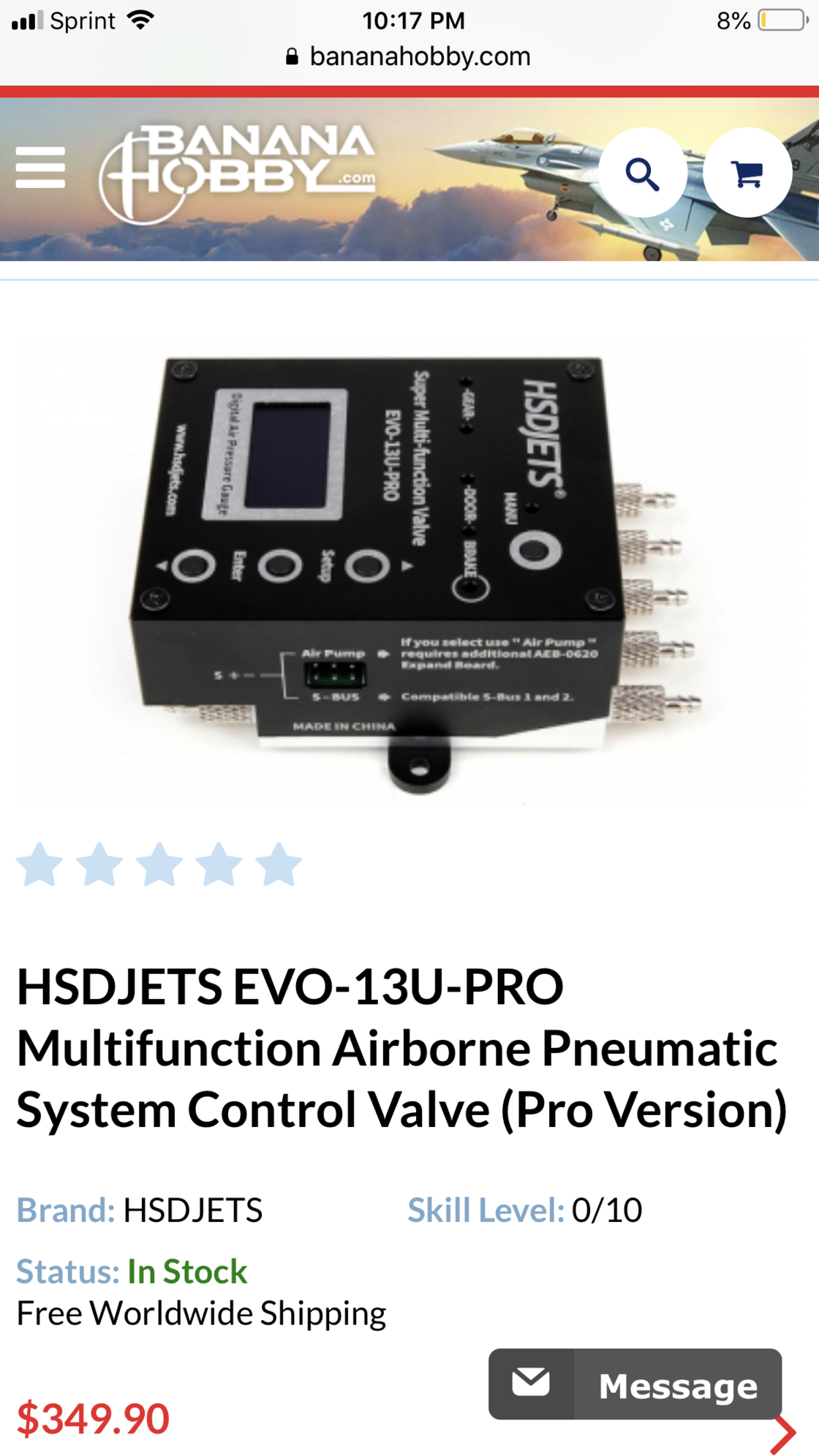
Has anyone used this sequencer with servo driven doors? Can servo endpoints be adjusted? If so, What is the process to do so? I can not seem to find a manual online anywhere. Thank You!

Has anyone used this sequencer with servo driven doors? Can servo endpoints be adjusted? If so, What is the process to do so? I can not seem to find a manual online anywhere. Thank You!

 02-08-2019 | 08:22 PM
#3
Thread Starter
My Feedback: (21)
Joined: Nov 2002
Posts: 335
Likes: 0
Received 0 Likes
on
0 Posts
From: Apopka,
FL
Thanks for the reply! I actually just sold a brand new one of those. I prefer the sequencer. It works perfect with electronic valves, but my gear door will. It stay closed in fast flight. I decided to switch to a servo operated nose door and trying to figure out if the sequencer will adjust endpoints.
 02-08-2019 | 09:41 PM
#5

My Feedback: (7)
I found this thread on RCU, this is Todd from DW post helping this person some years ago back in 2012.
http://www.rcuniverse.com/forum/rc-j...-pro-help.html
I will try to walk you through.....
Gear should be in G0, doors open gear down are D1, doors closed gear down are D2 (not sure why you have gone to D3?). Mode 3 or M3 is a duplicate of M1 (gear down, doors open) with an additional door function.
Now, let me go thru some steps which should help clarify the menu and timing delays. These apply to both the EV5U-PRO/EVO and the EVSD-SQ-PRO as they use the same software:
Press Menu-
Select M3 using increase button -
Press Menu-
Select G0 (G0 for landing gear, D1 for main doors, D2 for aux door)-
Next selection is RV (reverse), Please leave this selection SET TO OFF! If you need to reverse a function, do it at the valve not in the sequencer!!
Press Menu-
You are now into the timing section - All timing is based off the delays set here for each device. The first setting is the delay from the point of actuation; ie, in M1 if G0 is set to .5 there will be .5 second delay from the time you pull the switch to the time the gear are signaled to retract. Set initial delay here.
Press Menu-
You are now in the sequence delay. "A" is flashing and you are setting the delay BETWEEN sequences for both positions (gear up/down, door open/closed). Whatever value you enter here will be the timing between functions. Lets say you have 5 seconds on gear up and 5 seconds on door close, you would have a total of 10 seconds of delay for the doors close command when the gear are retracted. It is important to set the G0 delay as the door timing is directly related to the G0 delay!
Press Menu-
"B" is now flashing in the display. This is pulse width to the controlling valve. If using electronic valves, the default settings should be fine. If using servo driven valves, you can set servo throw here.
Press Menu-
Exit programming....
Press menu again to adjust D1, follow same program sequence as above; Settings must be adjusted for G0, D1, D2 (if using (M)ode 3) to get the timing sequence as desired.
Hope this helps you understand the programming in a bit further detail. Please let me know if you still experience any further issues with the device.
Todd
__________________
http://www.rcuniverse.com/forum/rc-j...-pro-help.html
I will try to walk you through.....
Gear should be in G0, doors open gear down are D1, doors closed gear down are D2 (not sure why you have gone to D3?). Mode 3 or M3 is a duplicate of M1 (gear down, doors open) with an additional door function.
Now, let me go thru some steps which should help clarify the menu and timing delays. These apply to both the EV5U-PRO/EVO and the EVSD-SQ-PRO as they use the same software:
Press Menu-
Select M3 using increase button -
Press Menu-
Select G0 (G0 for landing gear, D1 for main doors, D2 for aux door)-
Next selection is RV (reverse), Please leave this selection SET TO OFF! If you need to reverse a function, do it at the valve not in the sequencer!!
Press Menu-
You are now into the timing section - All timing is based off the delays set here for each device. The first setting is the delay from the point of actuation; ie, in M1 if G0 is set to .5 there will be .5 second delay from the time you pull the switch to the time the gear are signaled to retract. Set initial delay here.
Press Menu-
You are now in the sequence delay. "A" is flashing and you are setting the delay BETWEEN sequences for both positions (gear up/down, door open/closed). Whatever value you enter here will be the timing between functions. Lets say you have 5 seconds on gear up and 5 seconds on door close, you would have a total of 10 seconds of delay for the doors close command when the gear are retracted. It is important to set the G0 delay as the door timing is directly related to the G0 delay!
Press Menu-
"B" is now flashing in the display. This is pulse width to the controlling valve. If using electronic valves, the default settings should be fine. If using servo driven valves, you can set servo throw here.
Press Menu-
Exit programming....
Press menu again to adjust D1, follow same program sequence as above; Settings must be adjusted for G0, D1, D2 (if using (M)ode 3) to get the timing sequence as desired.
Hope this helps you understand the programming in a bit further detail. Please let me know if you still experience any further issues with the device.
Todd
__________________
Last edited by CARS II; 02-08-2019 at 09:46 PM.
02-08-2019 | 10:02 PM
#6

Jetfan I have the same exact sequencer in my rebel pro and the nose door/two valve for the gear are regular servos and works just fine. These are really nice units it’s a shame the stopped making them. Gets rid of extra air items and a dual system boot.
02-08-2019 | 10:25 PM
#7


My Feedback: (176)
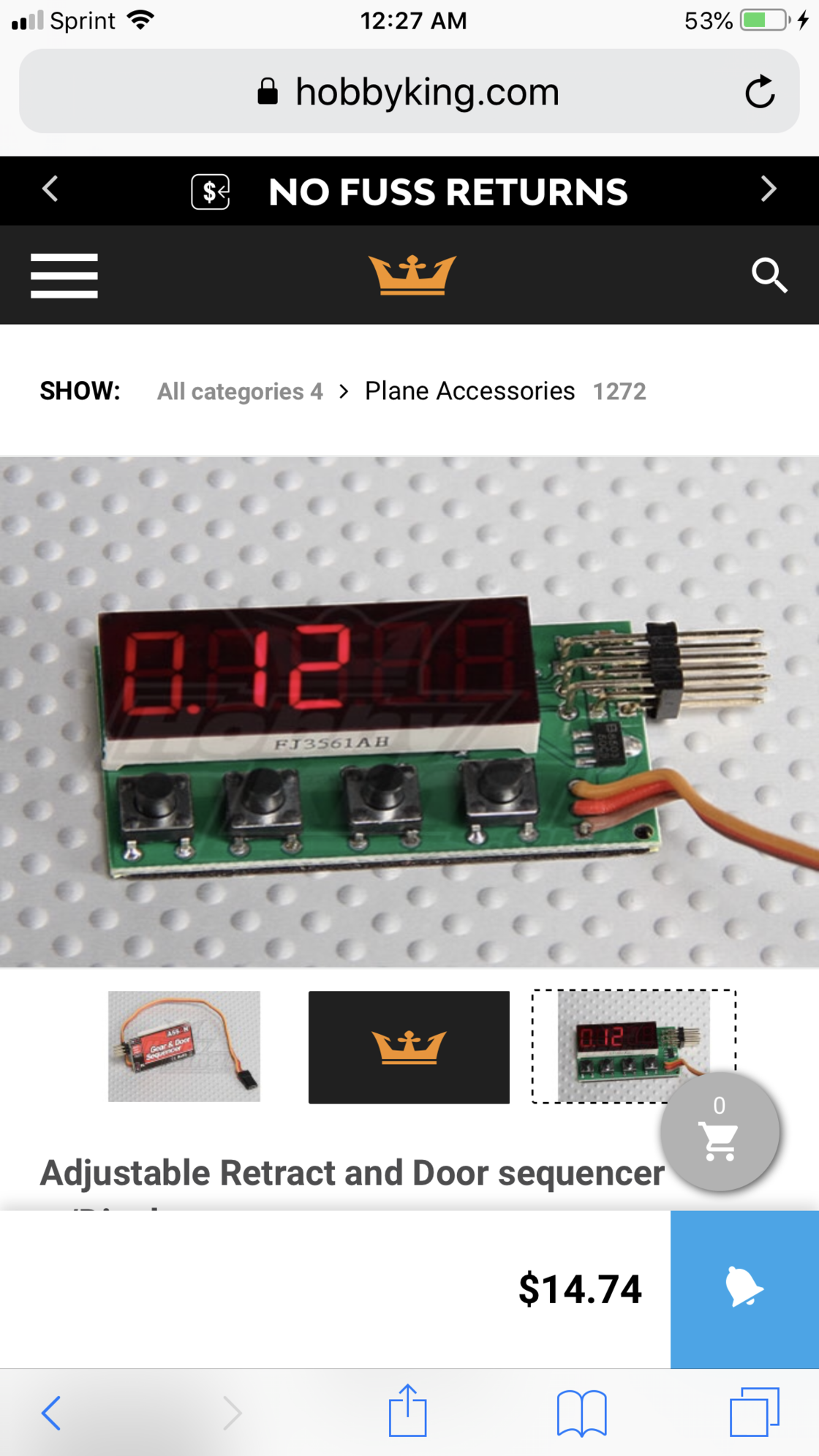
Maybe you should dibbled cylinders,I have one sequencer from hobby Kong and ther so many options to program specially for servos operation,you could program almost every thing the throws and delay and cost about $12 ,actually I have one in my feibao t-33 this was the only one I could use 4 servos separately and program so the center gear doors stayed closed after each gear rotation.
Last edited by sysiek; 02-08-2019 at 10:30 PM.


