Here's an overview of how to take an image off the internet and convert it to a vector file to send to the plotter. Keep in mind a JPEG image must be converted before we can send it to the plotter.
The first thing I did was Google "Futaba" and just right click and hit "Copy" on the image I wanted. I then open Corel Draw and "Paste" the image.

The next step is to hit "bitmap", then "Outline Trace, then "Detail Logo".

This will now create a vector file from your JPEG image.
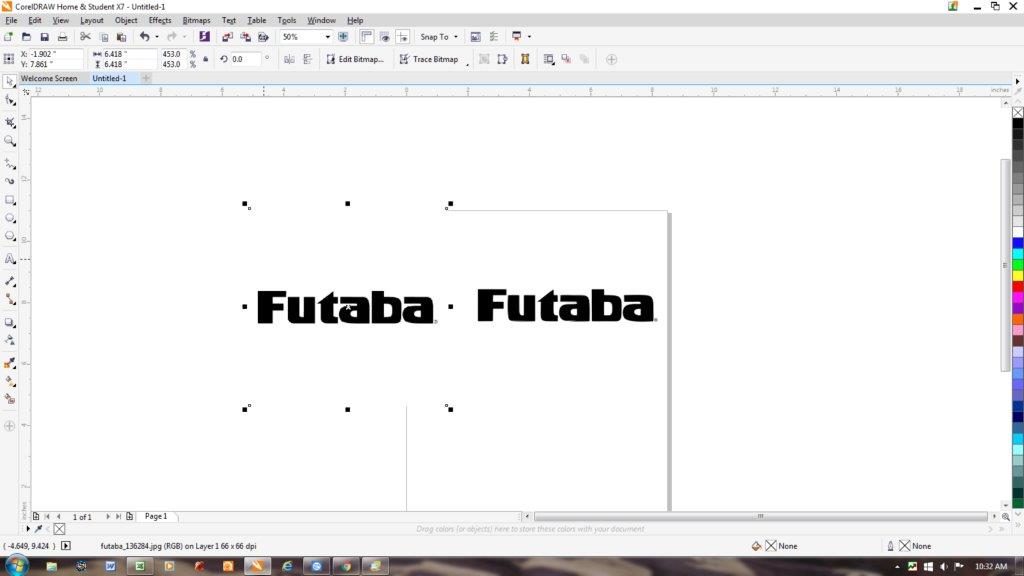
The original image and the vector file are displayed side by side. I just drag the original JPEG off to the side to work on the vector image. After the image is converted they will need to be cleaned up. This is a very simple image and won't require a lot, but some take some time to clean up.
When we zoom in on the image, we can see some raged edges and extra lines that need to be removed.
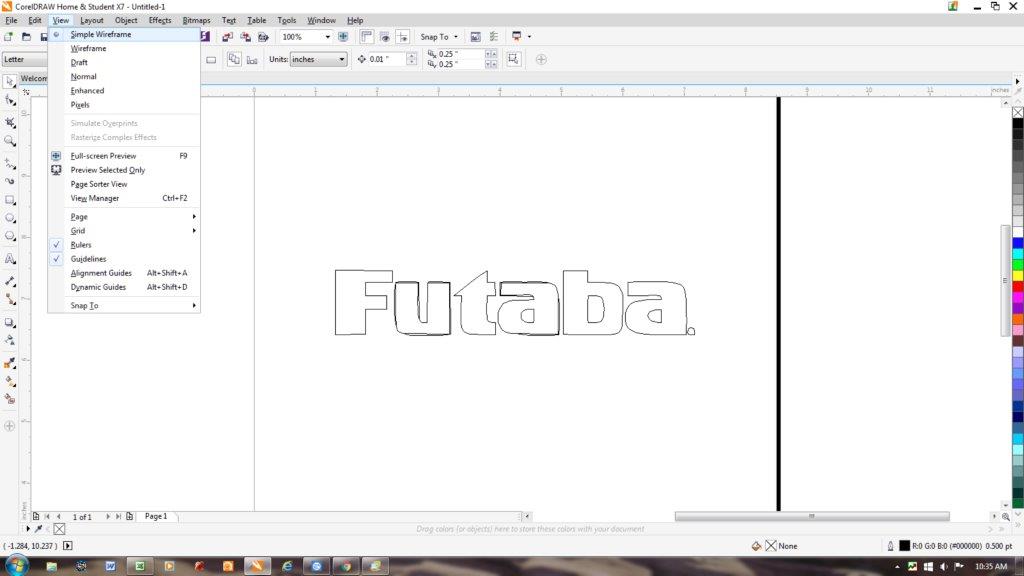
You can see the rough edges and lines that need to be removed even clearer when we zoom in closer.

I use the "Virtual Segment Delete" tool to remove the unwanted lines with just a few clicks. I now use the "Shape" tool to highlight the nodes. When we convert a file, it will have extra nodes that need to be removed. All that is needed to remove them it to double click them and they are gone.

You can see the lines of the image are not all straight. We just click on the node and little arrows will come up. All we have to do is maneuver the arrows to smooth out the lines.

The image is now ready to send to the plotter.
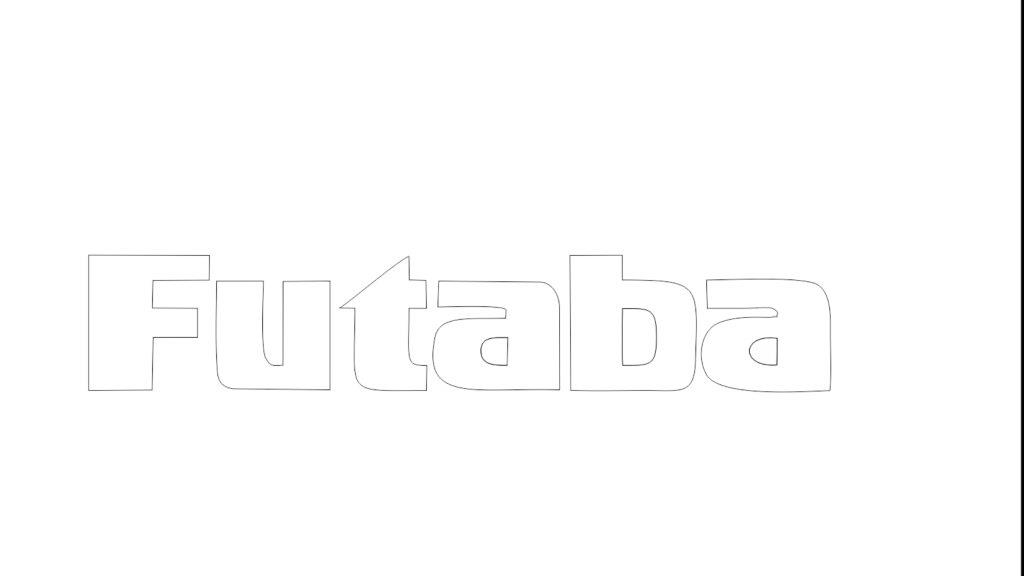
This whole process took about five minutes, but it was a very simple conversion.