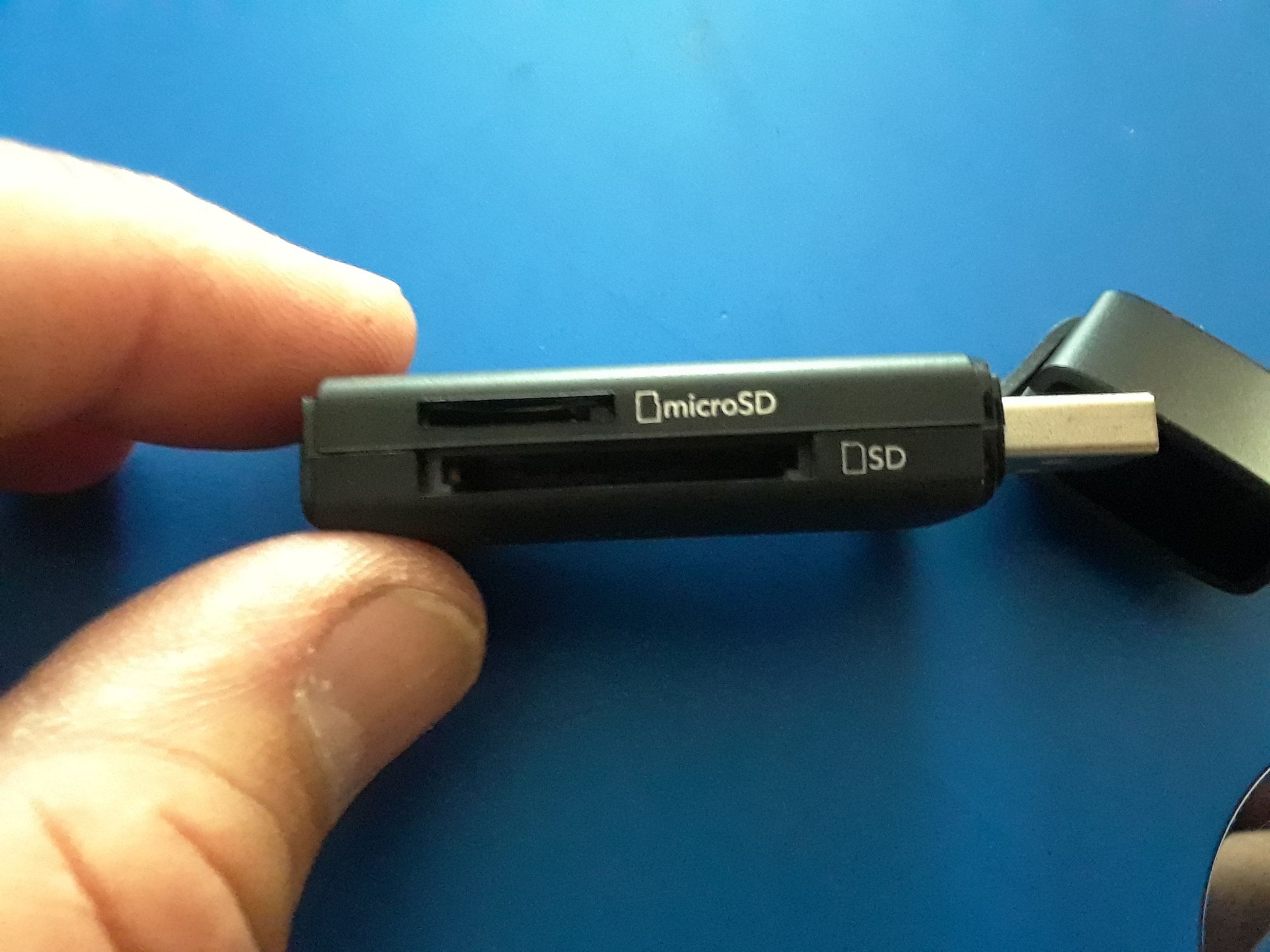
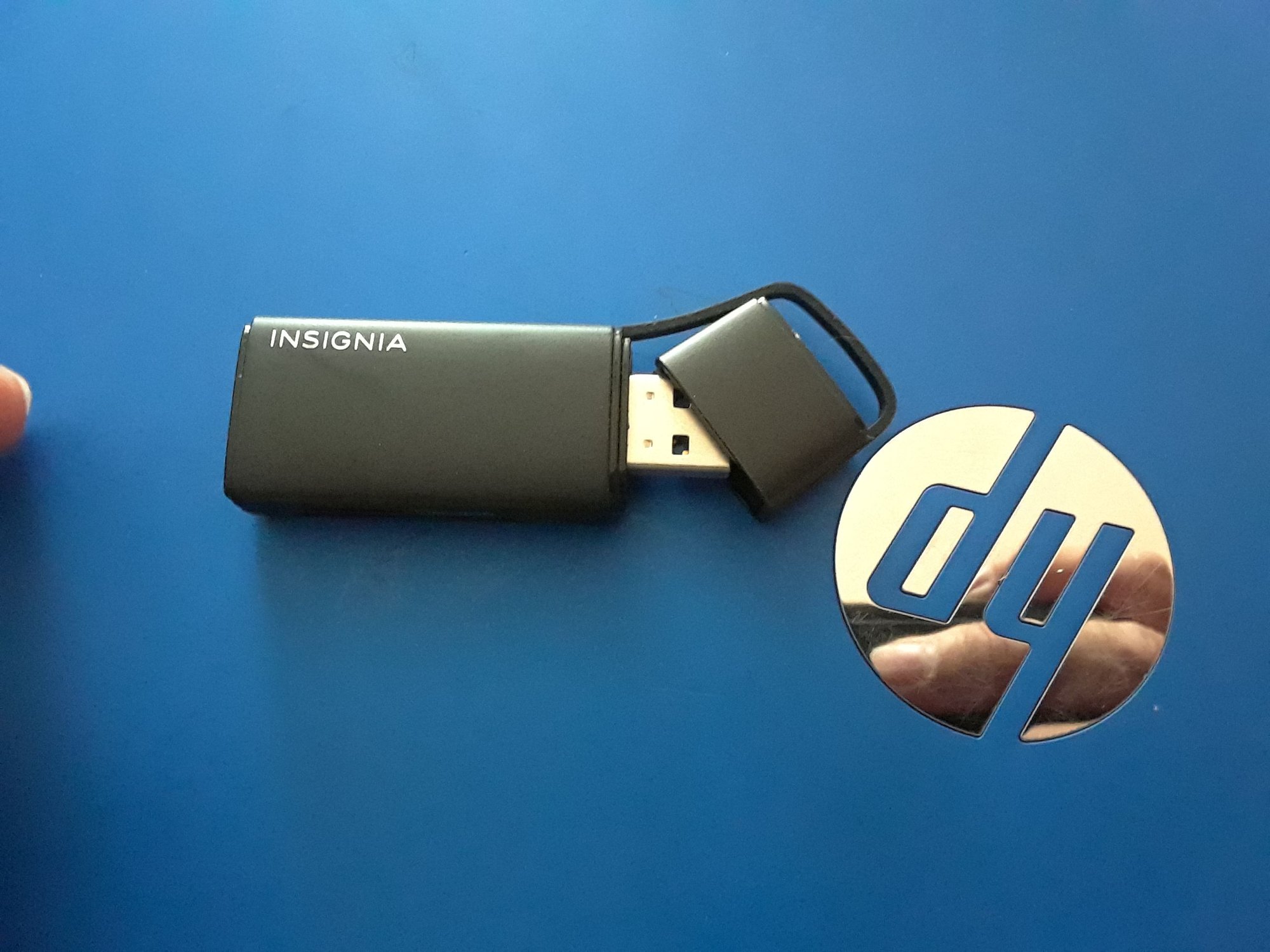
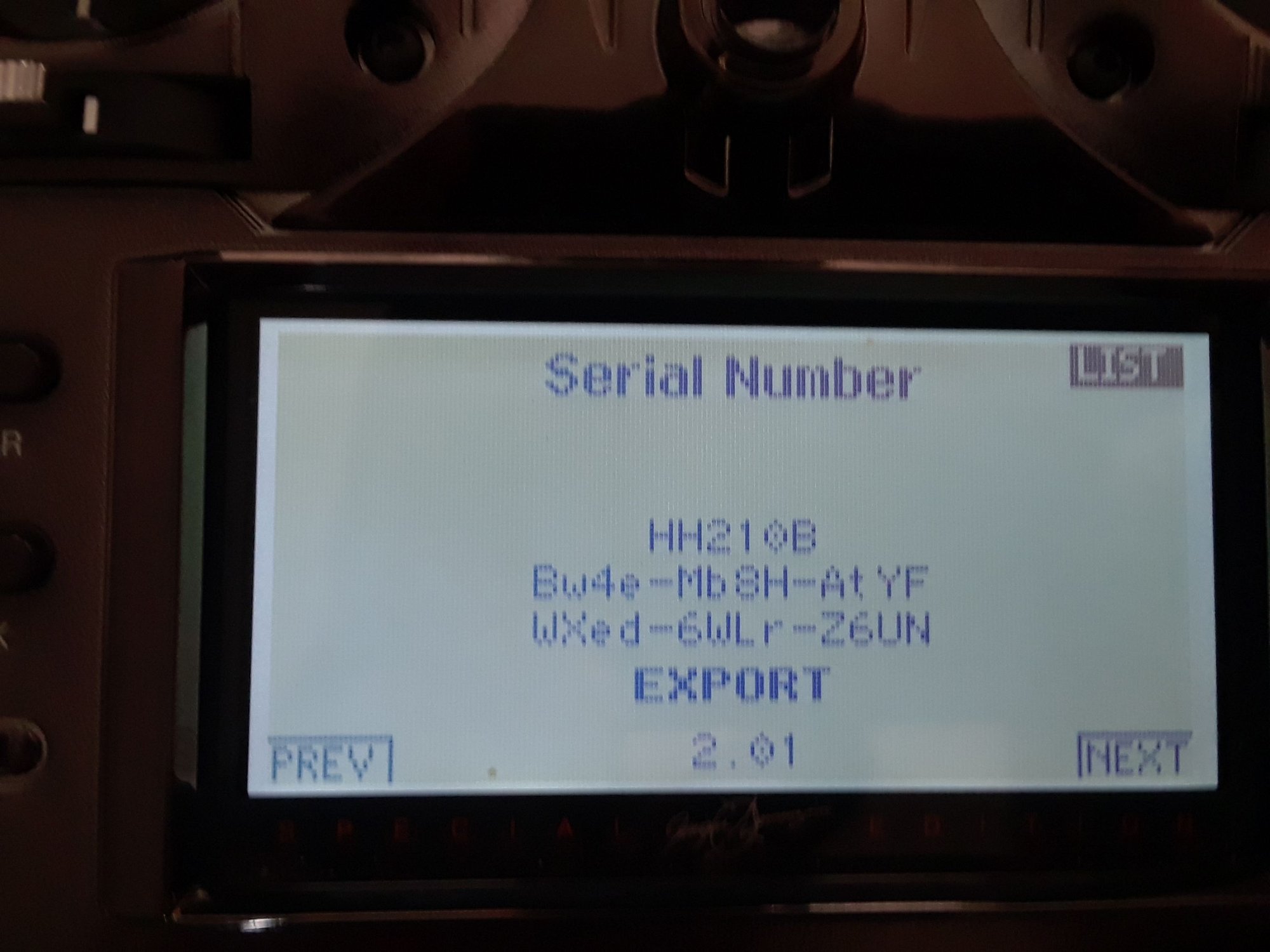

After getting the SD card reader adapter I was able to complete the task.
If you are able to transfer the radio serial number to the card, do so ( I wasn't, had to enter it manually ) then, register, very easy to do, then, with the new SD card and the SD card reader in hand you are ready to work, also, slide the SD card into the radio and copy the models that you have in there ( very important step ) make sure you save the models into the card, all of them.
1st, register your radio by creating an account.
2nd, download the version update into the SD card ( that's all, no sound updates) just click the down load butttom ( SD card in the adapter, adapter in the USB slot.
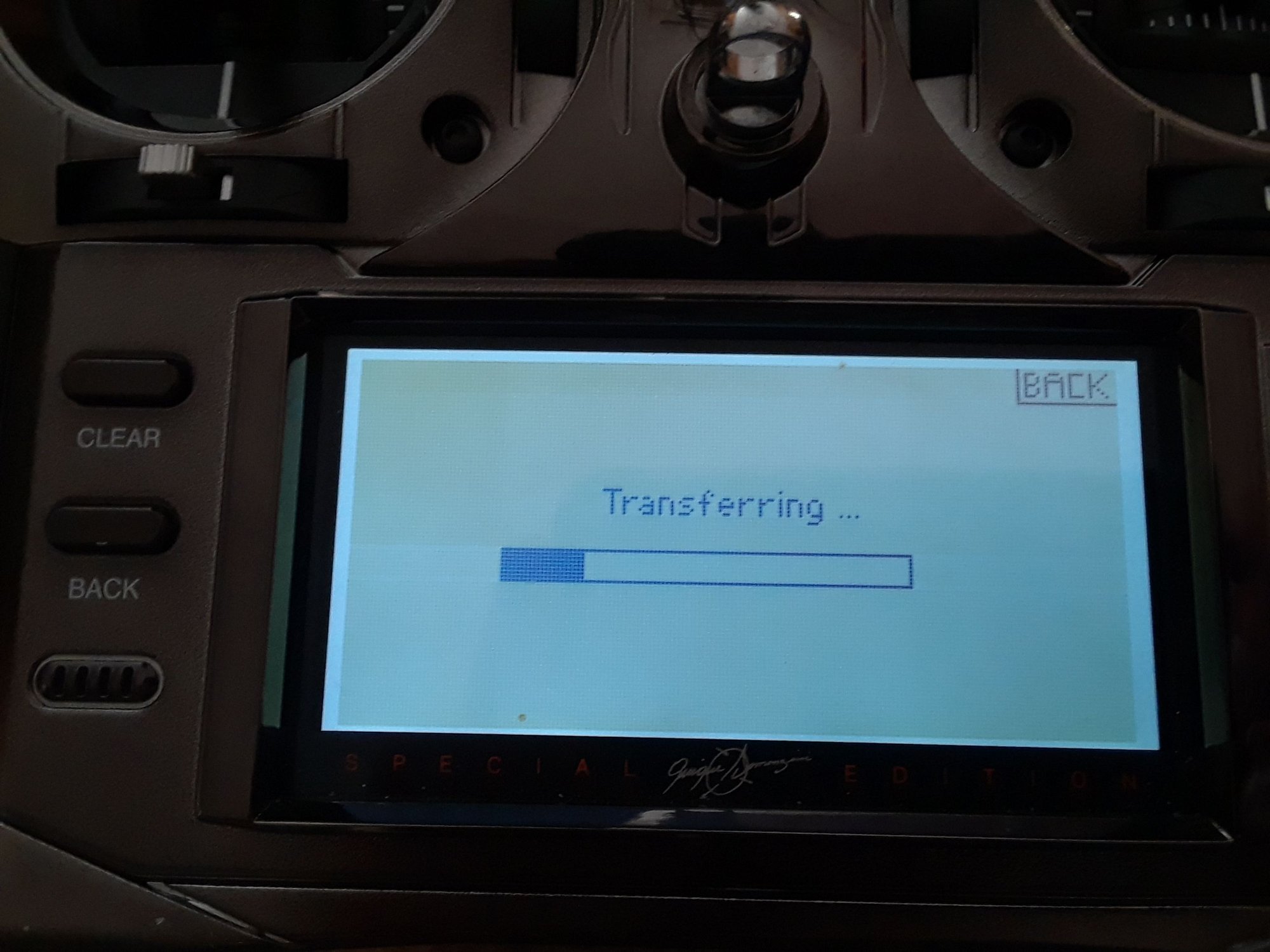
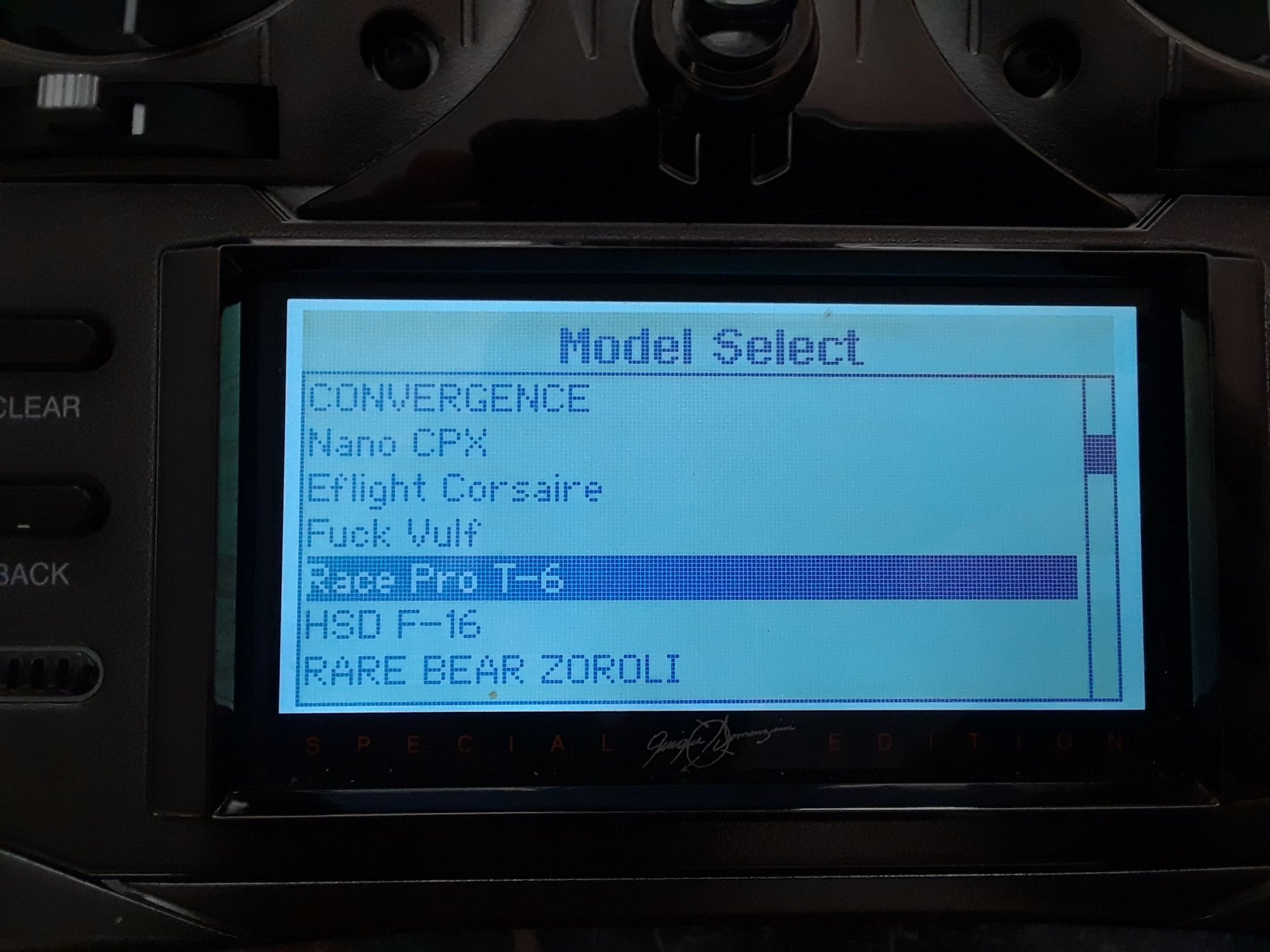
next, the update is in the card now, slide the SD card into the radio ( radio is off ) turn radio on, let it do it's thing, use the roler to increase the contrast color so you are able to see the screen, the update should be there, it uploads fast, then up load the models that you had in the radio that are now in the card, once it's done, the models will be back in the radio from the the SD card.
This radio now has a V2.01 software update.
Ops, one more picture for those that understand Spanish jokes.