


Data Analyzer Jeti DS-24 Question/Problem
 03-28-2020 | 03:22 PM
#1

 Data Analyzer Jeti DS-24 Question/Problem
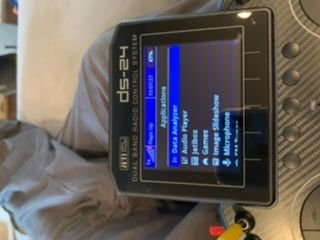
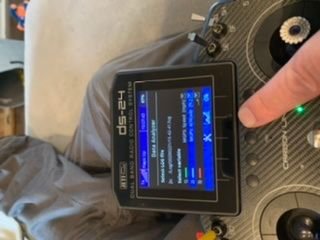
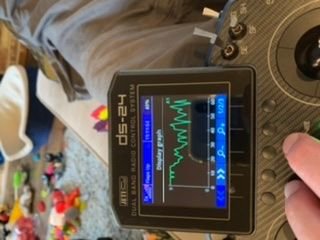
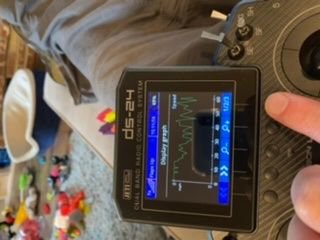
Ok, so I’m trying to analyze my last flight data. And I get nothing with the parameters I want to see, ie speed and altitude. If I pick some other parameter, say A1, I can see A1 but I can’t see what I want to see? What gives?





 03-29-2020 | 07:58 AM
#3
Hmmm, telemetry logging. I have many flights that I did not even know about telemetry logging that has information recorded.
Even flights from the same jet from earlier flights have the data to display. Why do some flights get recorded and some don’t?
Even flights from the same jet from earlier flights have the data to display. Why do some flights get recorded and some don’t?
 03-29-2020 | 11:00 PM
#5

My Feedback: (1)
On the main screen, at the top is a black square. That means telemetry is not being recorded. If it changes to a flashing circle, telemetry is being recorded. Something must trigger recording to start. If you have not set a switch to start it, the default is "auto" which means that it starts when your timer is started.
Files are named and therefore sorted by, the date and time of occurring so it is important that the transmitter date is correct and that transmitter time is reasonably correct otherwise you will be looking for a log file that is named with the wrong date.
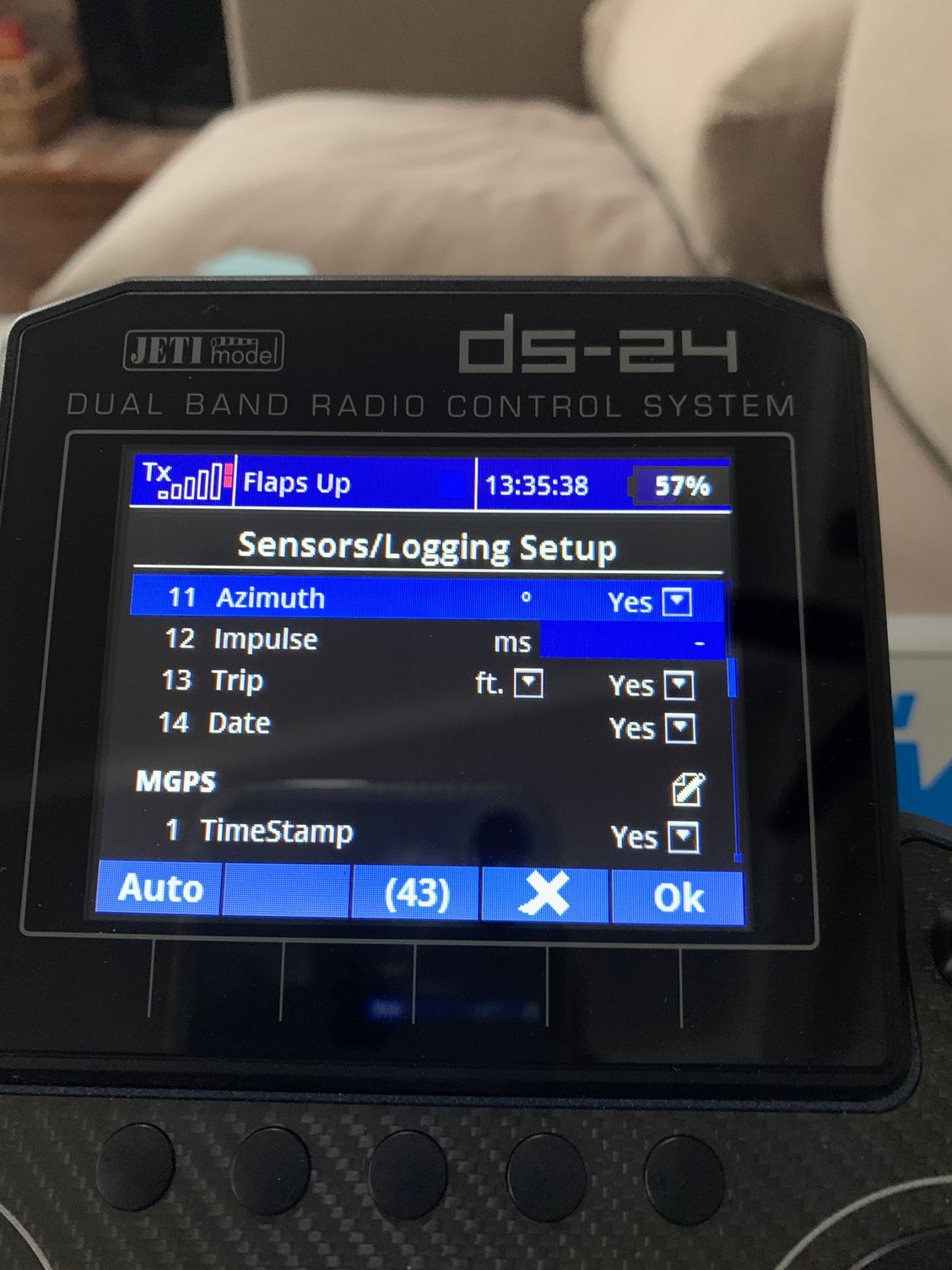
What parameters are recorded is up to you, by default all are recorded but you can switch off recording of ones that you do not need.
There is a max number of parameters that can be sent on telemetry and it is not difficult to exceed, which means some parameters are simply not sent. That is why the newest devices e.g. Assist Rx allow you to switch off unwanted parameters and thus reduce the telemetry overload
Files are named and therefore sorted by, the date and time of occurring so it is important that the transmitter date is correct and that transmitter time is reasonably correct otherwise you will be looking for a log file that is named with the wrong date.
What parameters are recorded is up to you, by default all are recorded but you can switch off recording of ones that you do not need.
There is a max number of parameters that can be sent on telemetry and it is not difficult to exceed, which means some parameters are simply not sent. That is why the newest devices e.g. Assist Rx allow you to switch off unwanted parameters and thus reduce the telemetry overload
Last edited by HarryC; 03-29-2020 at 11:06 PM.


 04-04-2020 | 01:31 PM
#9
My Feedback: (1)


